
Let’s get you into Discord to start!
Watch this video, and you can also follow the instructions below.
If you are already in our Discord, you can skip to step 4 or, watch these video instructions)

2. click on our Invite

3. Welcome!
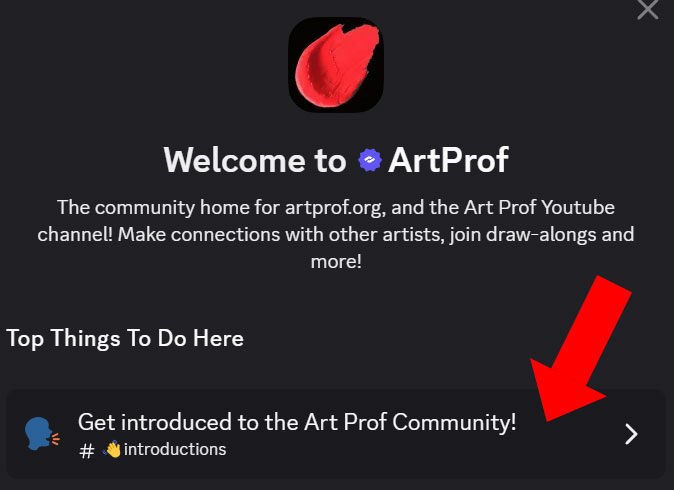
When you click on our invite link, you’ll see this welcome message.
Tap on “Get introduced to the Art Prof Community”
↓
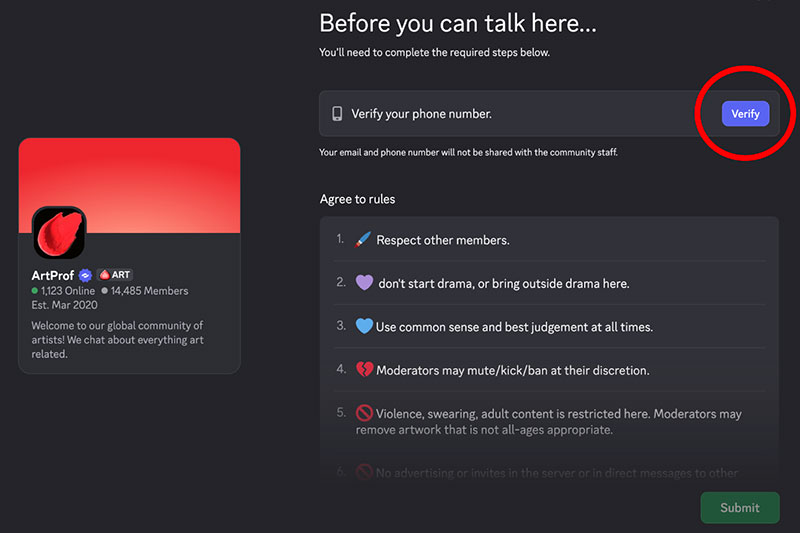
Next, click on VERIFY PHONE here:
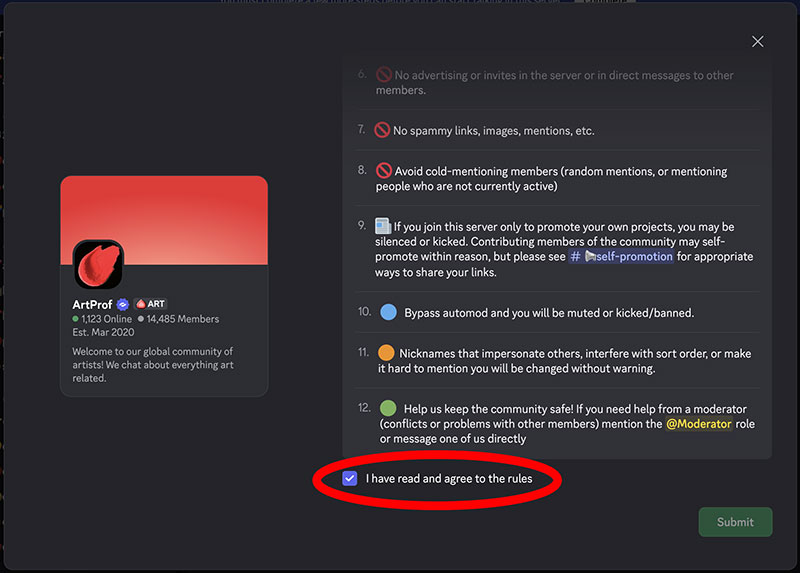
Then scroll down and click on “I have read and agreed to the rules.”
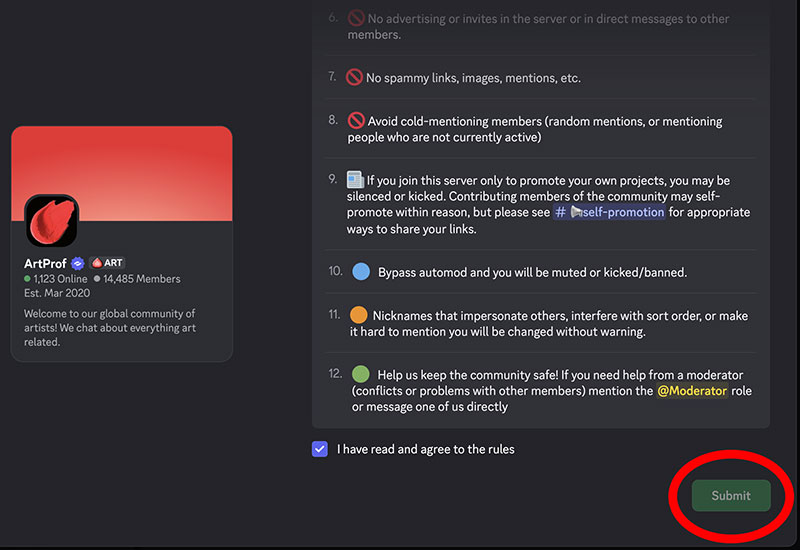
Next, click SUBMIT
4. Introductions
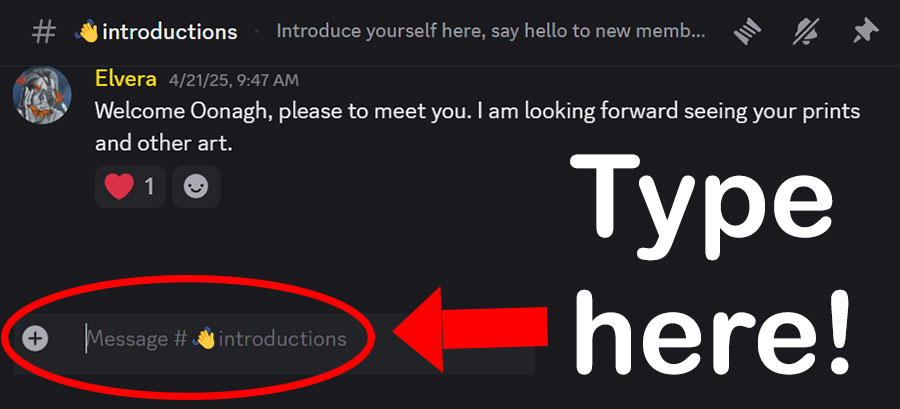
Now you’re in the #introductions channel. Note that this is the PUBLIC area of our Discord, not the Art Club channels.
↑
Type a message at the bottom, where there is a + and cursor.
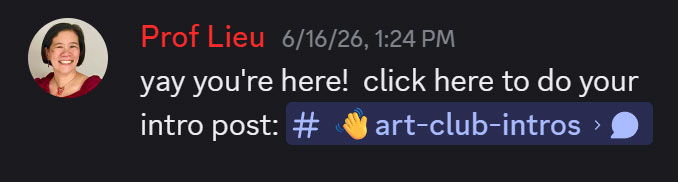
Mention that you are there for Art Club, as I may not recognize your username. You’ll see my reply to you, and we will go from there!
Feel free to email me if you need any tech support or have questions.
The Art Club channels are the very top of the menu on the left.

