Welcome! You are the first group getting access to the Art Prof app.
Our app creates a personal art curriculum based on your interests. The app adapts as you go, and you can change your plan any time.
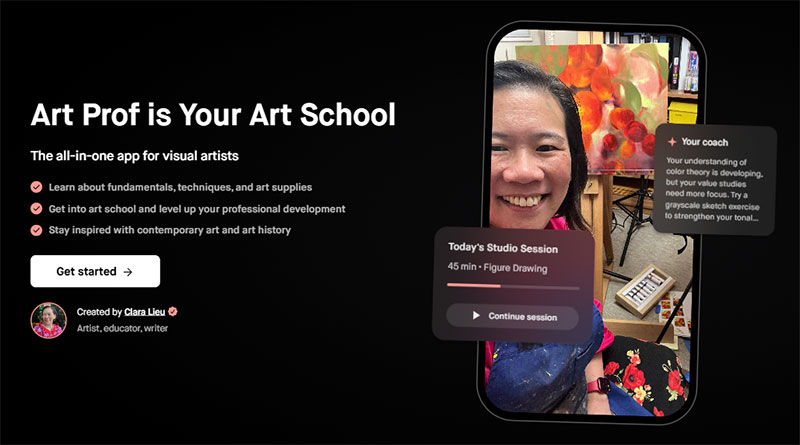
Get the guidance and structure to create an art school portfolio that stands out from the crowd.
Payment is after you finish onboarding.
$19 monthly
$169 annual (26% off)
Set up
You cannot get the app in the App Store, use this link!
Next, click on GET STARTED
Do not tap on LOG IN. (in the upper right hand corner)
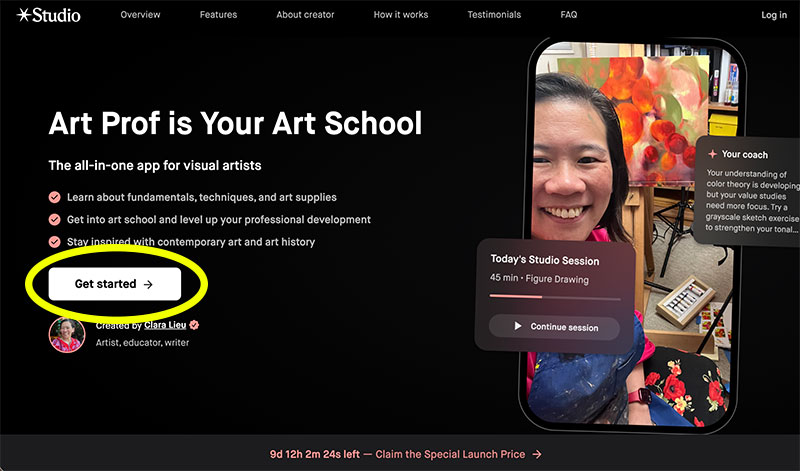
Before you pay, the app will take you through the onboarding process. You’ll check off your interests so the app can create a personal art curriculum for you.
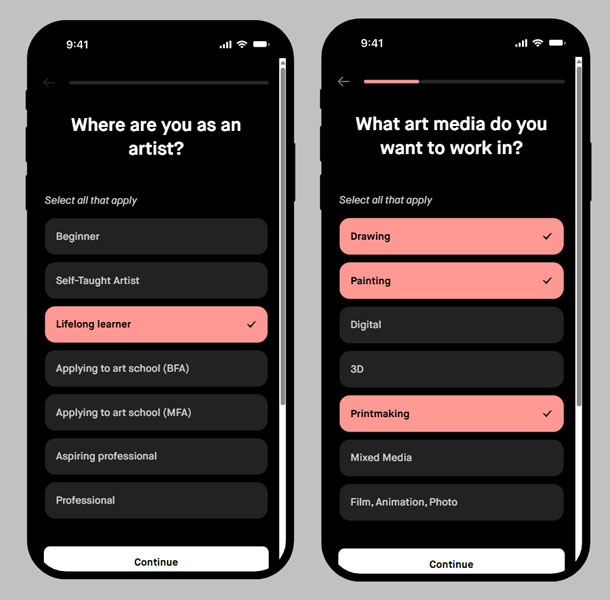
Keep tapping through, there are several screens.
You’re almost done when you see this:
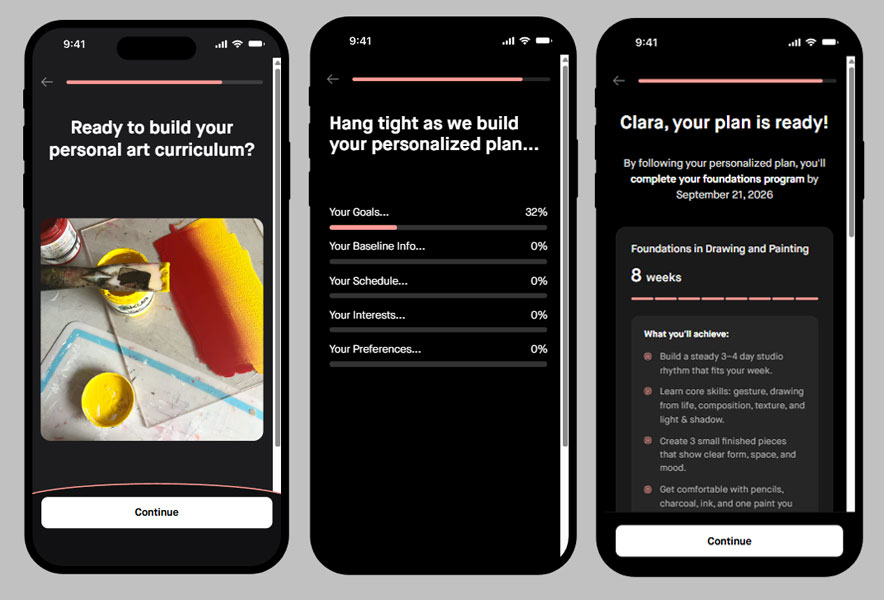
Payment
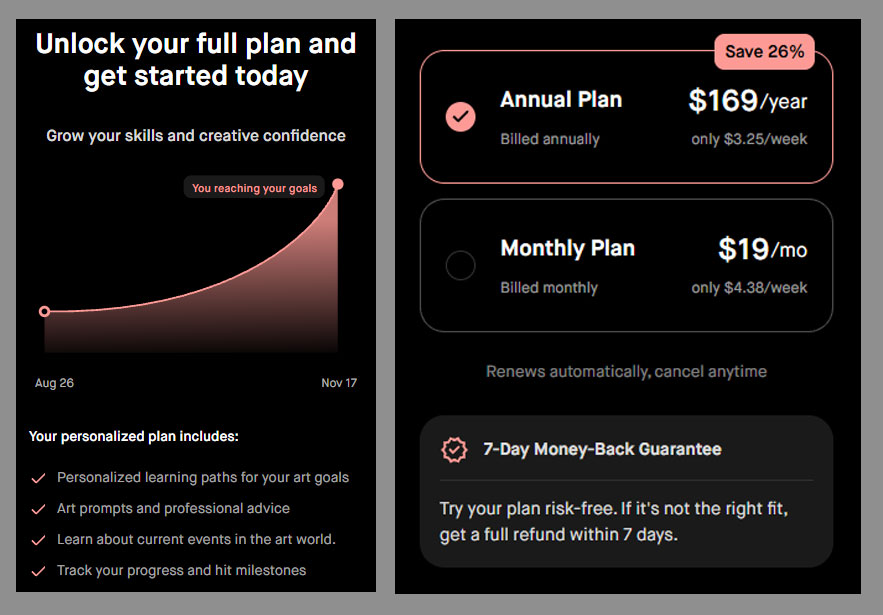
You’ll see payment options after it builds your plan.
$19 monthly
$169 annual (26% off)
Once you pay, you’ll get an email with this info.
Tap on Apple or Google Play, which will direct you to get the STUDIO app.
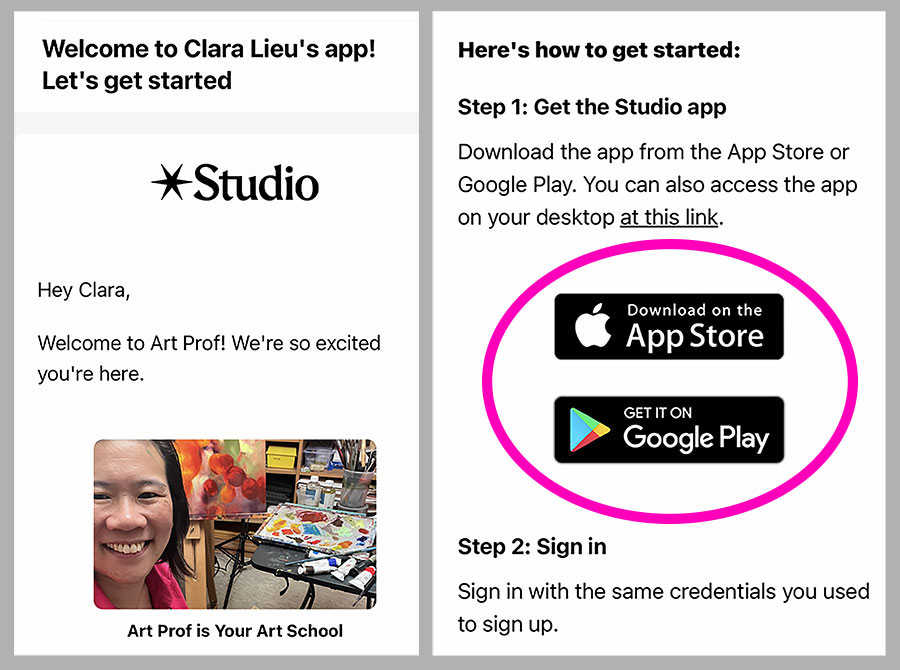
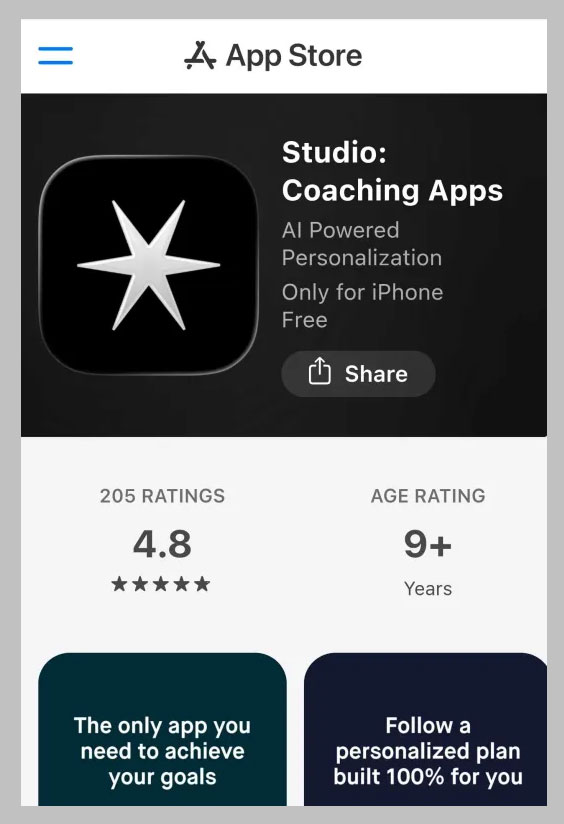
That will take you to the STUDIO app, get it.
Once you’re in the app, you’ll see your Daily Briefing.
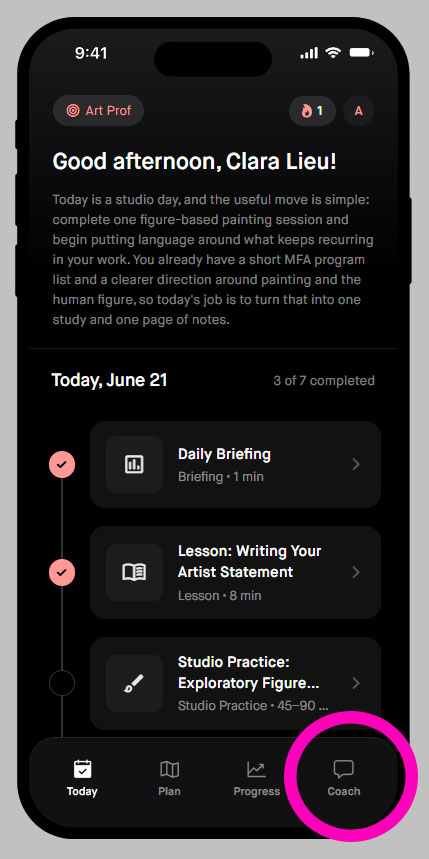
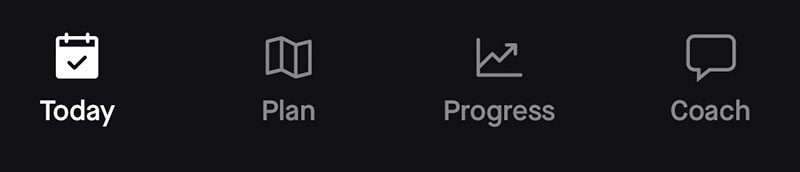
These 4 icons at the bottom are how to navigate the app.
Use the COACH to get help with anything
Adjust your plan any time
“I want to work 6 days a week and take Sundays off.”
“Add exhibiting at galleries to my plan.”
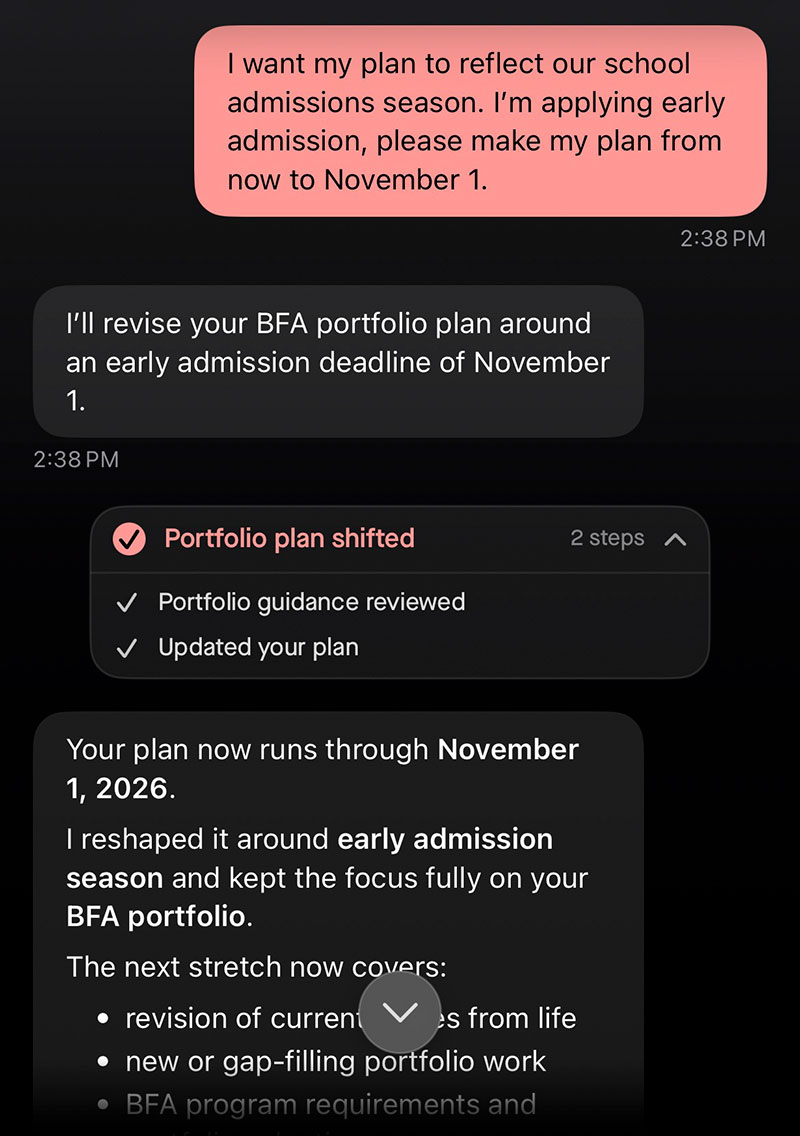
Create your plan with to align with school deadlines:
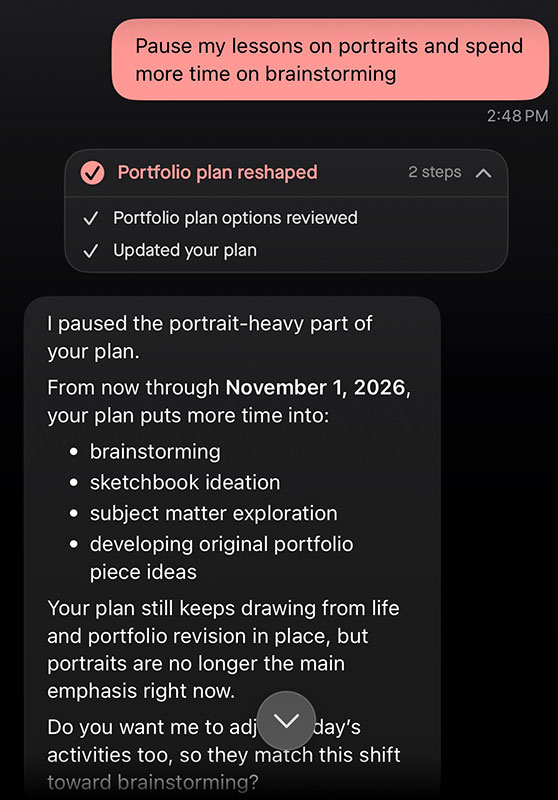
You can ask the COACH to pause activities or topics:
Coming soon: App Discord group
I would love to hear about your experiences for the app. Your feedback is incredibly valuable to us as we prepare for the public launch.

The group is a private channel in our free Discord Community. Stay tuned!
We are looking for feedback on when there are tech problems, or when the app says something wrong/ridiculous/out of character for us.
If you spot anything that you really like about the app, tell us too! We have discovered some fun things in testing that we didn’t know about before.
Disclaimer
This is an AI program, which can make mistakes or give wrong information.
Always double check what the app tells you. To be absolutely certain, you need to consult our staff.
Please report any problems by emailing Prof Lieu.
Best Practices
Don’t ask questions that are not related to art to get the best answers.
Use the COACH as a Help Desk/FAQ

FAQ
Will content I post inside the app be added to a database, used for AI training, used by a third party apps, and used in marketing and promotional materials?
No, the app does not use anything you post in the app to train AI models, for third-party providers, is not added to databases, and is not used in marketing or promotional materials for Studio.
What is the app built on?
The app is built on Studio.
Why did you decide to create the app, did you approach Studio?
We did not approach Studio, this was something that Jay Clouse set up for the people in his community, The Lab. His company, Creator Science established a relationship with Studio.
I am working with a cohort with others building their apps inside Jay’s community that he is leading. We each have a Studio representative who works with us to develop the app.
Our staff have invested tons of work and manual entries to be certain that the app is trained specifically to never generate art, or claim to create original content.
Does the app generate art that claims to be original?
Our app does not generate images, or claim to create original artworks.
The app is basically a search engine & educational structure that creates a personal art curriculum for you based on your interests.
With over free 2500 videos, over free 900 website pages, and 6 years of blog entries, our audience has been struggling to find the info they need in all that content.
Does the app do web searches or reference other sites?
No. Only Art Prof content is referenced and searched. The app does not do external web searches. There are a few instances where we have manually entered a specific page from an external site.
Sites I have manually entered are trusted sites like the Metropolitan Museum of Art and vetted journalism like Artsy.
Additionally, we have invested tons of times to manually add specific information, and fix items that are not correct.
Are there actual programmers and developers working on the app?
There are actual programmers and developers at Studio who build the app. The app is basically like using a template that you would use to build a website with.
We input Art Prof content into the app within their template, and then we go in and customize things.
We go in manually to fix and add things to ensure that the app isn’t saying something ridiculous and to add specific information that we think is important for a given subject.
Studio says:
“Studio is a team of software developers working to build the platform, while our apps are AI-powered so they interpret the blueprint of the experience you’ve designed and generate daily activities according to that setup.
There is AI generation of course in the creation of daily activities, and our coders use AI in the development of the platform, but we haven’t automated everything away.”
We use a proprietary stack of AI models that are trained on each creator’s content to run their particular app. In each case, the model learns how to interpret, curate, and share each creator’s content with end users to develop the best possible plan and activities to help them along their course.
At the same time, these models are used only to operate the app, and we never train larger AIs/LLMs in a way that retains creator content, nor do we allow third-party providers to do so.
Your content never gets “kept” by the AI or allowed to be used to train any other models.”
Will the app replace Art Club and the free Discord community?
The app will never replace either. You can use the app as a supplement to your activity in either of those communities.
Many artists enjoy that the app provides a daily briefing with specific lessons and prompts. This removes the decision paralysis when it comes to what to work on each day.
Can someone use this app without the AI generating anything?
No. In onboarding, the app will ask you about your interests, and then generate a personal art curriculum. The app will adapt to your interests, and you can change your interests any time with the coach.
The app can generate prompts and lessons from Art Prof content.
Please report any problems by emailing Prof Lieu.
Fun things
Adjusting your personal art curriculum
You can ask the coach to adjust your interests and schedule. Try something like:
“I would like for Sundays to be my rest days and only work 6 days per week.”
Daily prompts instead of a plan
You can ask for no plan, and just do daily prompts depending on what you want to do that day.
This removes decision paralysis about what to do today.
Artist Prompts
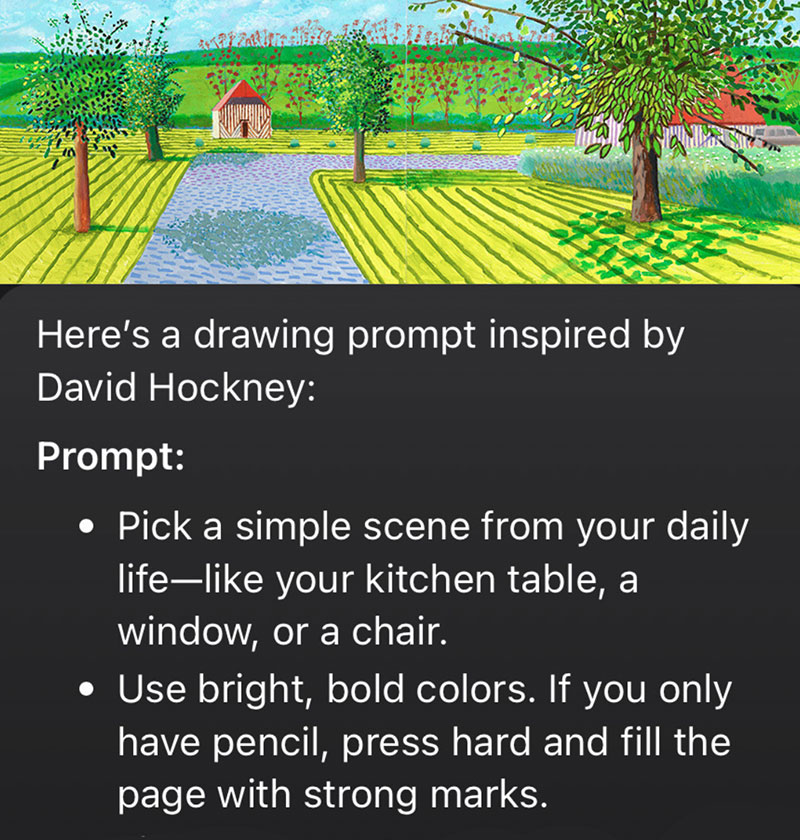
The app can create prompts based on an artist, a great way to get inside the mind of an artist and try something you normally wouldn’t do.
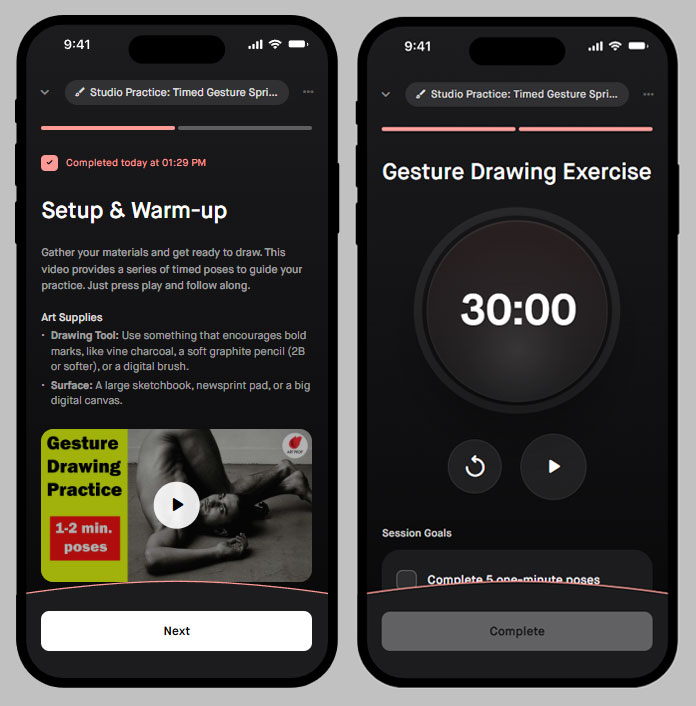
Timer & videos for gesture drawings