Watch this video, and you can also follow the instructions below.
If you are already in our Discord, you can skip to step 4 or, watch these video instructions)

2. click on our Invite

3. Welcome!
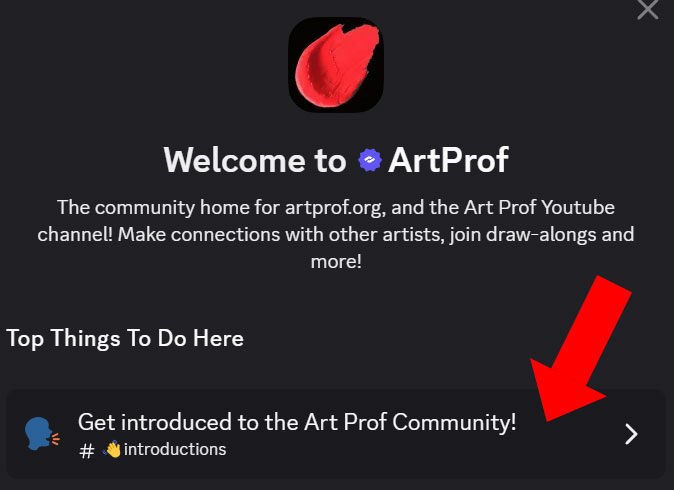
When you click on our invite link, you’ll see this welcome message.
Tap on “Get introduced to the Art Prof Community”
↓
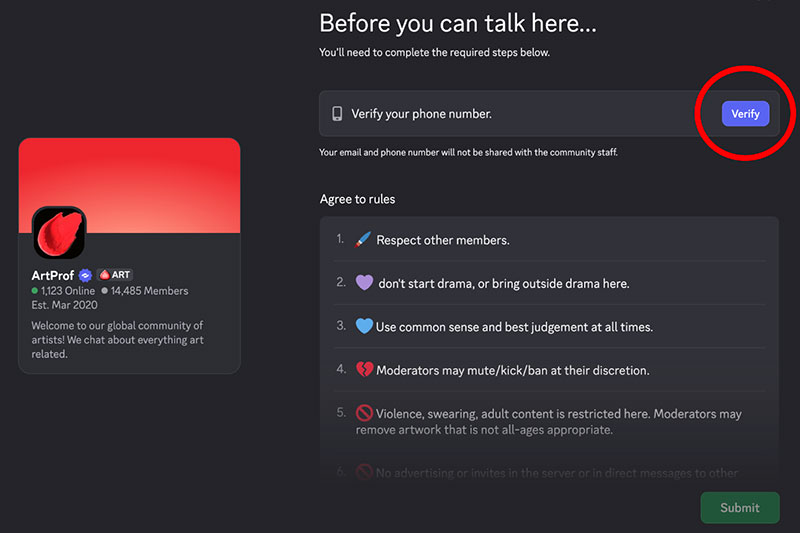
Next, click on VERIFY PHONE here:
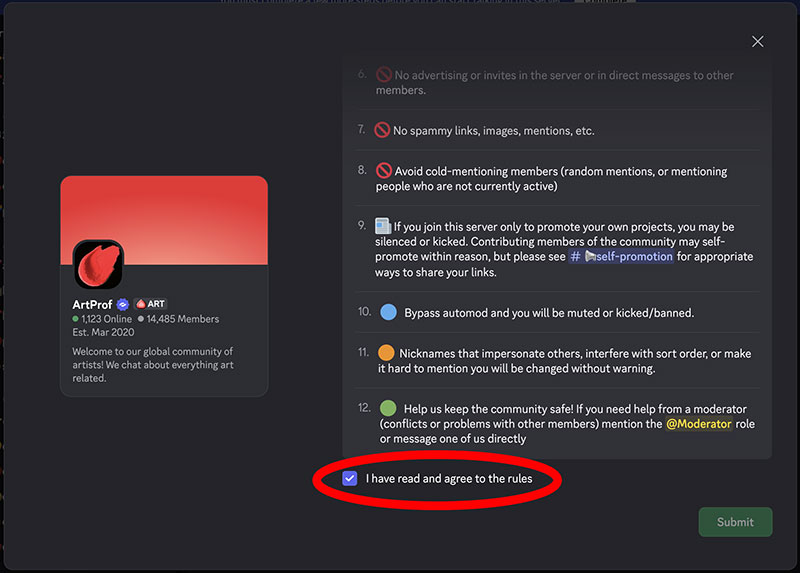
Then scroll down and click on “I have read and agreed to the rules.”
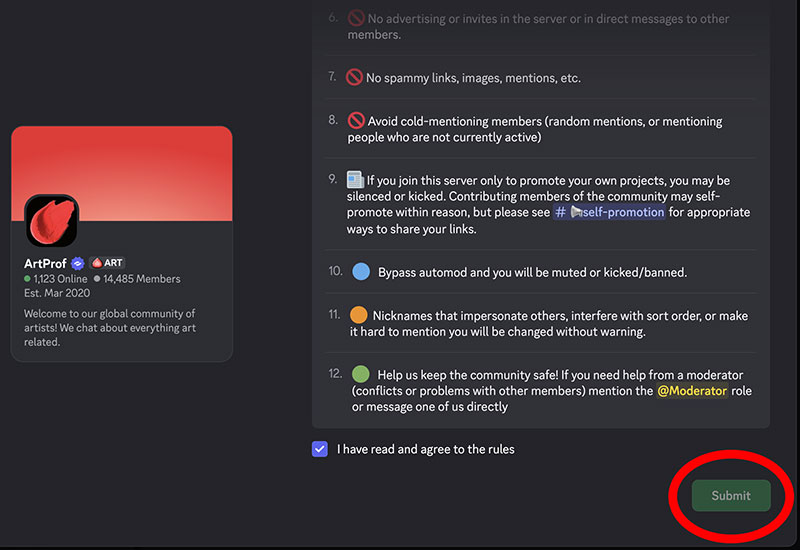
Next, click SUBMIT
4. Introductions
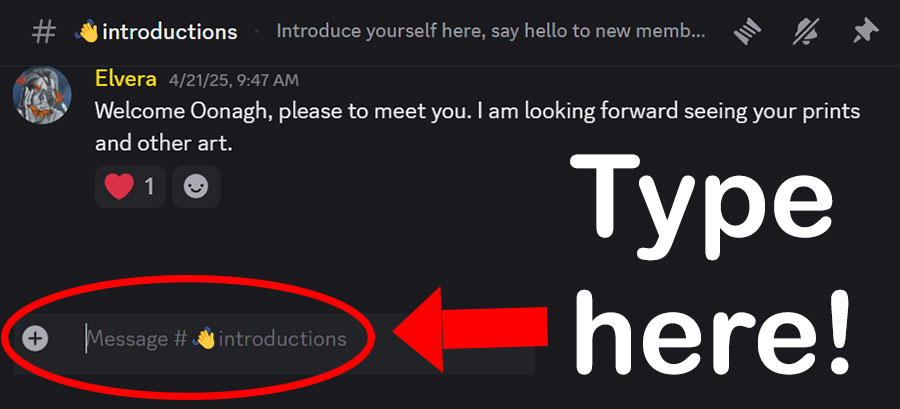
Now you’re in the #introductions channel.
↑
Type a message at the bottom, where there is a + and cursor.
Mention that you are there for BFA App group, as I may not recognize your username. You’ll see my reply to you, and we will go from there!
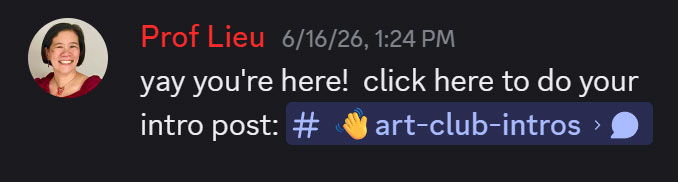
The channel for this group is private, so you won’t be able to access it without me.
Feel free to email me if you need any tech support or have questions.